Lua Scripting
Automating a device when clicking Send by hand stops being enough
A macro sends one frame. A trigger answers one pattern. A script does what neither can: a sequence with waiting, decisions and a summary at the end — start a drive, hold it for five seconds, read the fault register, write the result to a chart. Scripts are written in Lua 5.4 and run inside a sandbox that cannot reach your disk outside its own folder, cannot open a second connection, and only sees the serial port through a small, dedicated API (33 functions — see the next page).
Where you write it
The editor fills the Script tab. What is on screen is what runs — nothing is compiled from a copy or from a file you saved earlier, so there is never a question of which version went out. The editor saves your typing to the module config after a short pause, so even a script you never named comes back after a restart.
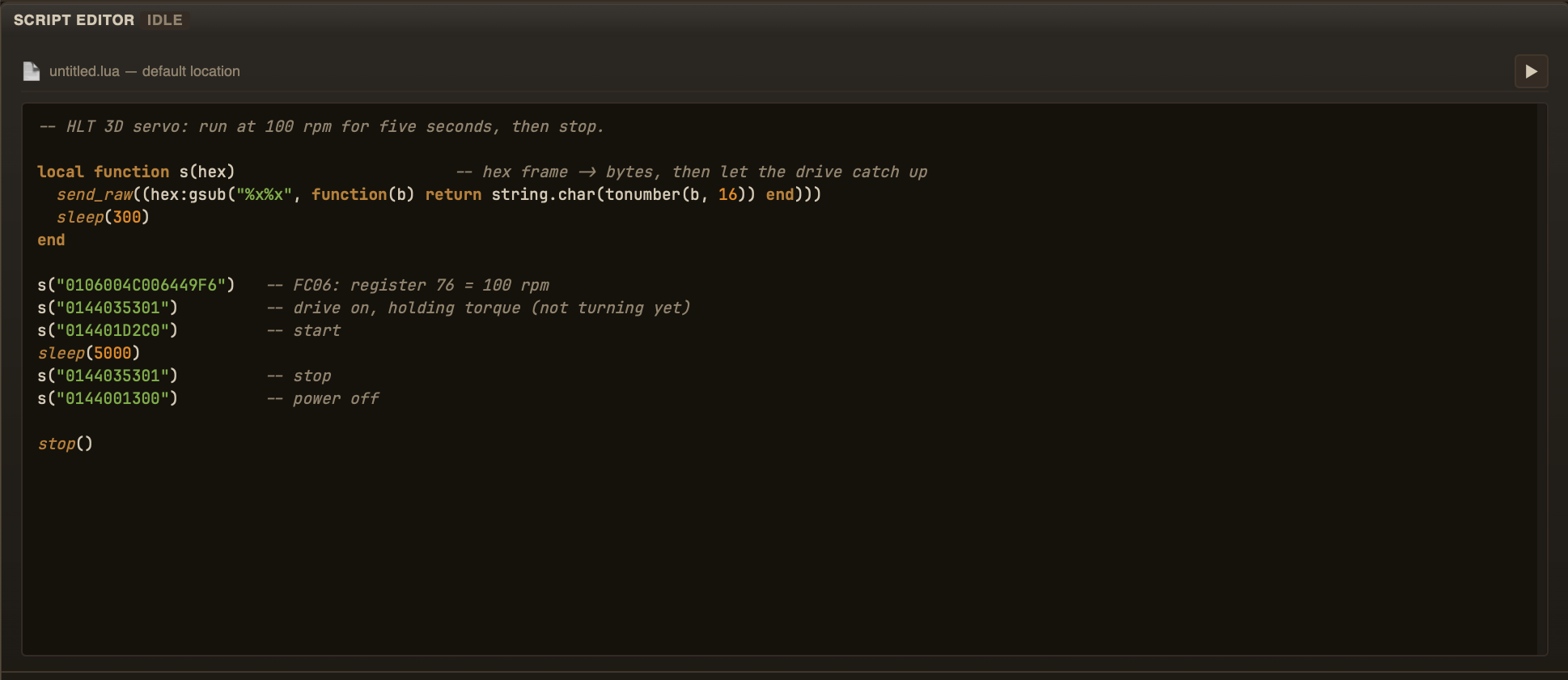
The Script tab — editor on the left, file path and run control above it
You start a script from one of two places: the toggle switch on the
top bar (next to the Script icon), or the run button next to the file path inside the
tab. Both do exactly the same thing, and both show the real state — set by the
script.started / script.stopped / script.error
events, not by your click. So a script that crashes on its own turns both controls off,
and starting it from the bar lights up the button inside the tab too.
The file path above the editor names the script. Load one of the fifteen built-in
examples from the list — AT commands for an ESP, a Modbus read, timers,
VT100 and ANSI demos, several chart recordings — or open one of your own from the
scripts folder. Saving writes back to the same folder, never anywhere else
on your disk.
scripts/examples and the app rewrites all fifteen at every
start, so they are always the reference version — and any edit you make to
one of them is gone the next time you open the app. Want to change an example? Save
it under a new name in scripts first; that folder is yours and nothing
touches it.How a script runs
The script runs in the background, next to the interface rather than inside it — the app stays usable while it works. It is a single thread with cooperative scheduling: only one piece of Lua runs at a time.
One rule decides whether your script works at all: incoming data is
handed to your callback only while the script is inside sleep() or
wait_for(). Register on_text_line and then sit in a tight loop with
neither of them, and the callback never fires — not slowly, never.
on_text_line(function(line)
  log('RX: ' .. line)
end)

send_raw('AT\r\n')
sleep(1000)          -- the callback fires here, not before
Stop the script with the same toggle or button you started it with, or with
stop() inside the script. Disconnecting the port stops it as well.
What a script may and may not do
Scripts run in a sandbox — Lua 5.4 with the dangerous parts removed:
- no
os,io,debug,package,require,loadfile,dofile - no
load,rawset,rawget,rawequal,rawlen,collectgarbage - no
string.dump, and the shared string metatable is locked, so a script cannot replace thestringlibrary underneath everyone else - 16 MB of memory
- file operations reach only the working folder you selected (File → Select working folder…, or the folder icon on the title bar), never the rest of the disk
That working folder is shared with chart recordings and the AI assistant, so a script
that deletes or overwrites a file does it among your own files there — pick the folder
with that in mind. With no working folder set, file operations fail with
the sandbox is not set. Example scripts are bundled with the app; saving a
script — an edited example included — writes it to the working folder.
Everything that goes to the port goes through the app, so a script cannot open a second connection behind your back.
Inside the working folder, paths are relative, may have subdirectories, and
.. and absolute paths are rejected — by one check that splits the working
folder from the rest of the disk. The folder root is untouchable:
delete_dir('.', true) is refused, so a runaway script cannot wipe the
folder it never wrote. A symbolic link that leads out of the folder is rejected too,
even when it has no .. in its name.
A first script
Ask a device its identity, wait up to a second for the reply, stop either way:
if not serial_connected() then
  log_warn('Open the port first')
  stop()
end

on_text_line(function(line) log('RX: ' .. line) end)

send_raw('*IDN?\r\n')
local ok = wait_for('OK', 1000)   -- plain text, not a Lua pattern
log(ok and 'device answered' or 'no answer in 1 s')
stop()
Three mistakes everybody makes once
- Callbacks that never fire — no
sleep()orwait_for()after registering them. - Lua patterns in
wait_for()— it matches plain text, sowait_for('OK', 1000)works andwait_for('%a+OK', 1000)does not. - Sending on a closed port —
send_raw()raises an error instead of returning one, so checkserial_connected()first.
send_raw() sends bytes, not text. It does not
append a line ending, it does not turn \r into a real CR, and it does
not parse hex. If you want any of those, write a one-line helper in your script —
that keeps the port honest about what you send and lets each script pick its own
convention.